

Frequently asked questions
Your question isn't listed? With an account, reach us with a ticket under Help, without one by email at contact@navoryx.site.
What Streamline is
Do I get channels, movies or series with Streamline?
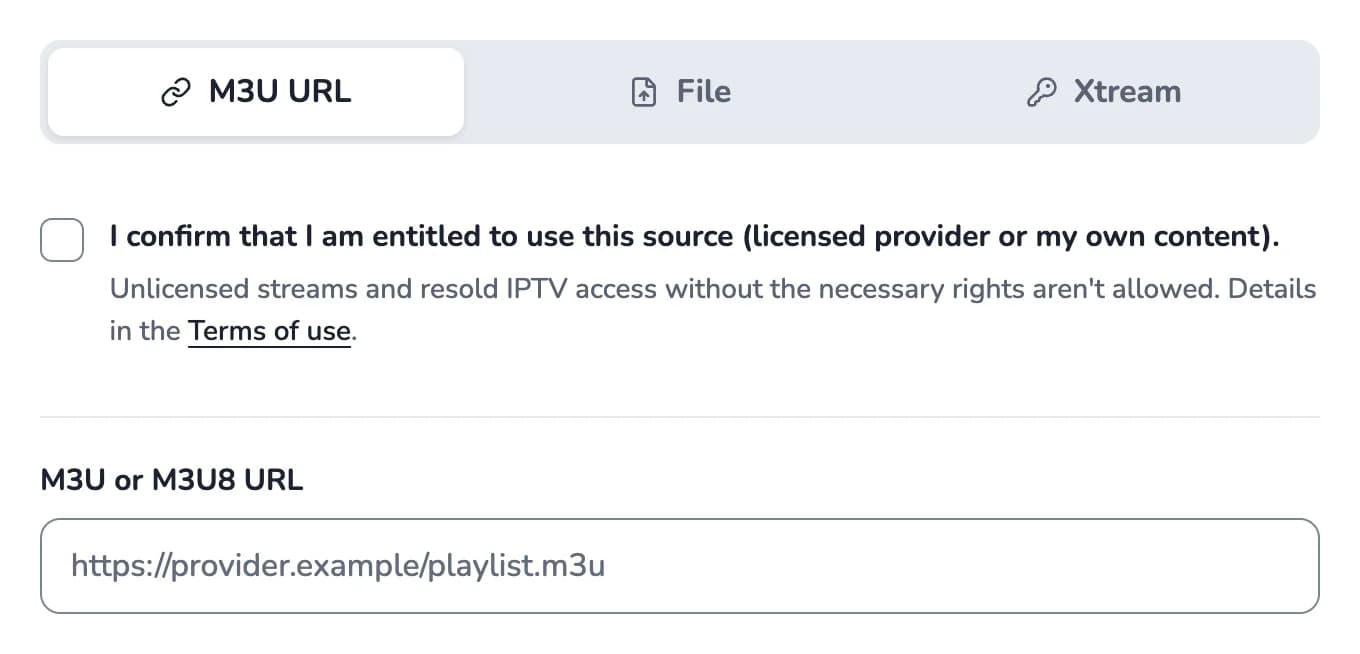
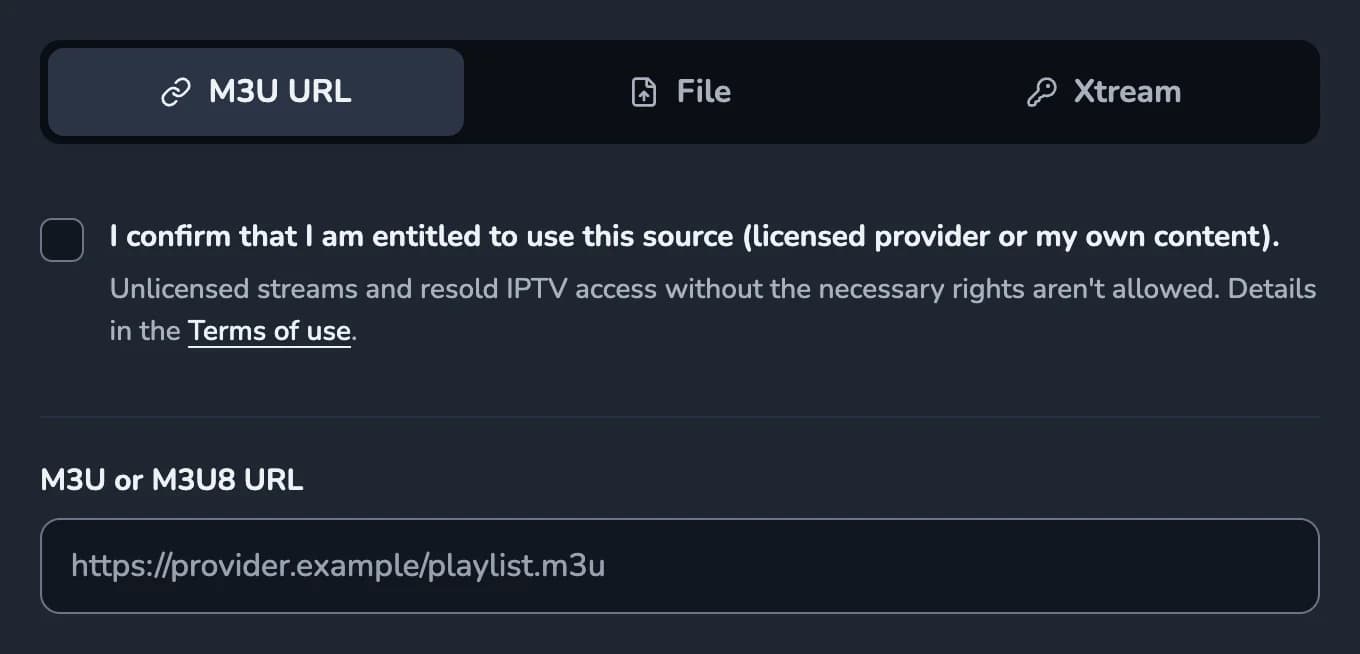
No. Streamline is a player: you add your own, lawfully obtained sources (M3U playlist, Xtream login or file), and Streamline plays them. We do not provide any content, channels or playlists, and we do not sell access.
Which sources am I allowed to use?
Playlists, devices and features
Which playlists work?
M3U and M3U8 playlists via link or file, plus Xtream Codes logins (server, username, password). Program data (EPG/XMLTV) is matched automatically if your source provides it. Streamline plays HLS, MPEG-TS and DASH; MKV files are converted by the server while playing, with nothing to install.
Does my IPTV provider work with Streamline?
Usually yes. Some providers, however, block web players that load through a server. Streamline then loads directly over your own internet connection.
Such providers often only offer unencrypted http. So you allow “Insecure content” for Streamline in your browser once, and Streamline shows you the steps. The permission only applies to Streamline and to those streams; your sign-in stays encrypted.
This works on a computer (Windows or Mac) with Chrome or Microsoft Edge. Firefox removed this setting in version 139, and phones and tablets (Android, iPhone, iPad) as well as Safari don’t offer it.
The free provider test shows you before you buy whether your provider is affected.
Which devices does Streamline run on?
Any current browser: Chrome, Edge, Firefox and Safari on PC, Mac, tablet and smartphone. No app installation needed. Your playlists and progress are available on all your devices through your account. On a big screen, Multiview shows up to 4 channels at once. Exception: providers that block web players only work on a computer (Windows or Mac) with Chrome or Edge (see the next question).
Can I lock categories for children?
Yes. In the settings you lock individual categories with a PIN. Entering it unlocks the locked categories in this tab for 4 hours.
Subscription and cancellation
How much does Streamline cost?
Is there a free trial?
Which payment methods are available?
Payment is handled by Stripe. Depending on your country and what is enabled, this includes credit card, Apple Pay, Google Pay, Link, Klarna or Amazon Pay. You can find your invoices in the customer portal at any time.