

Your IPTV in the browser with Streamline

Live TV with a TV guide, movies and series for your own M3U or Xtream playlist. Nothing to install.

€1.99 a month incl. VAT, cancel any month.

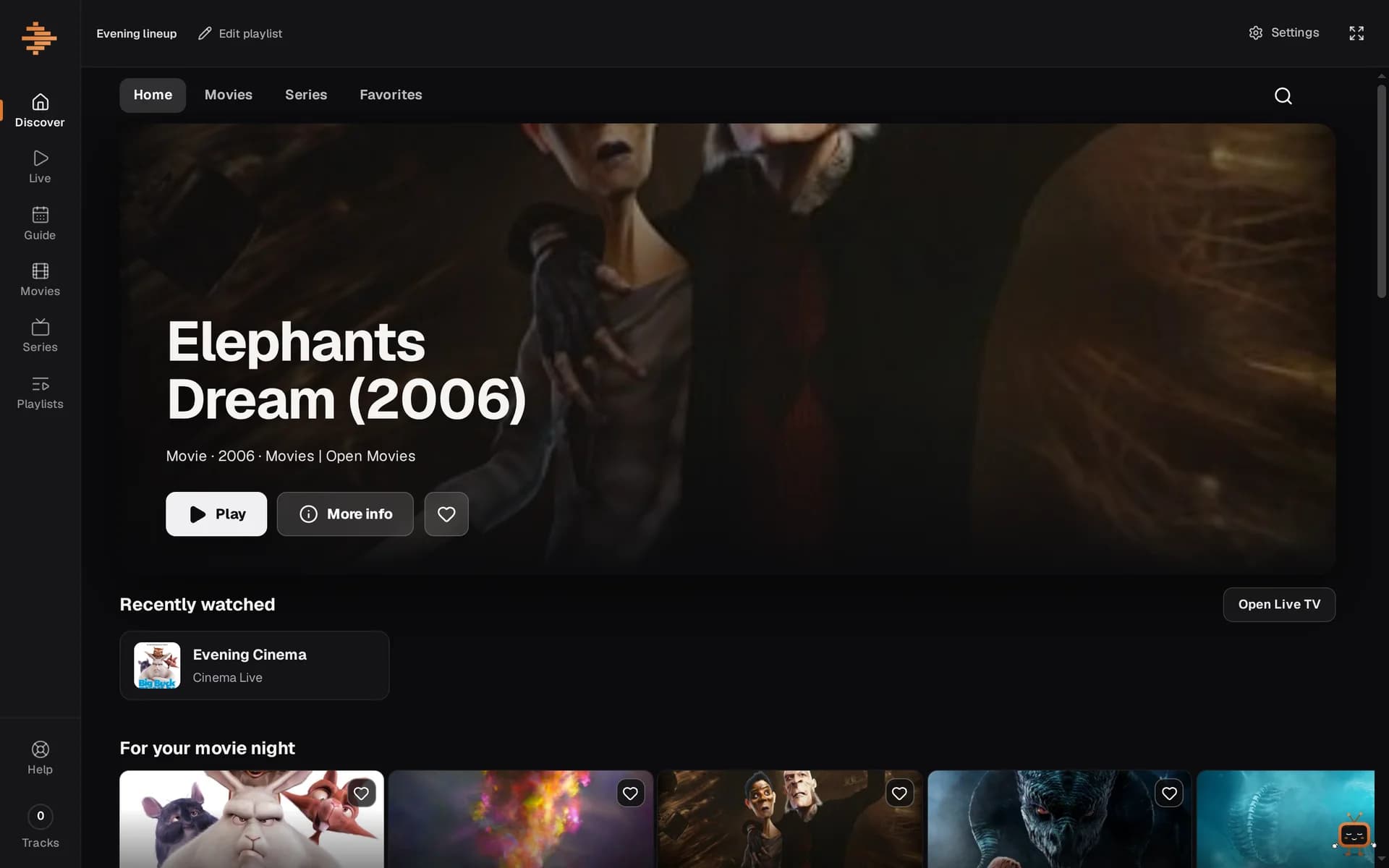
Discover in Streamline: a large film banner, recently watched and film rows below
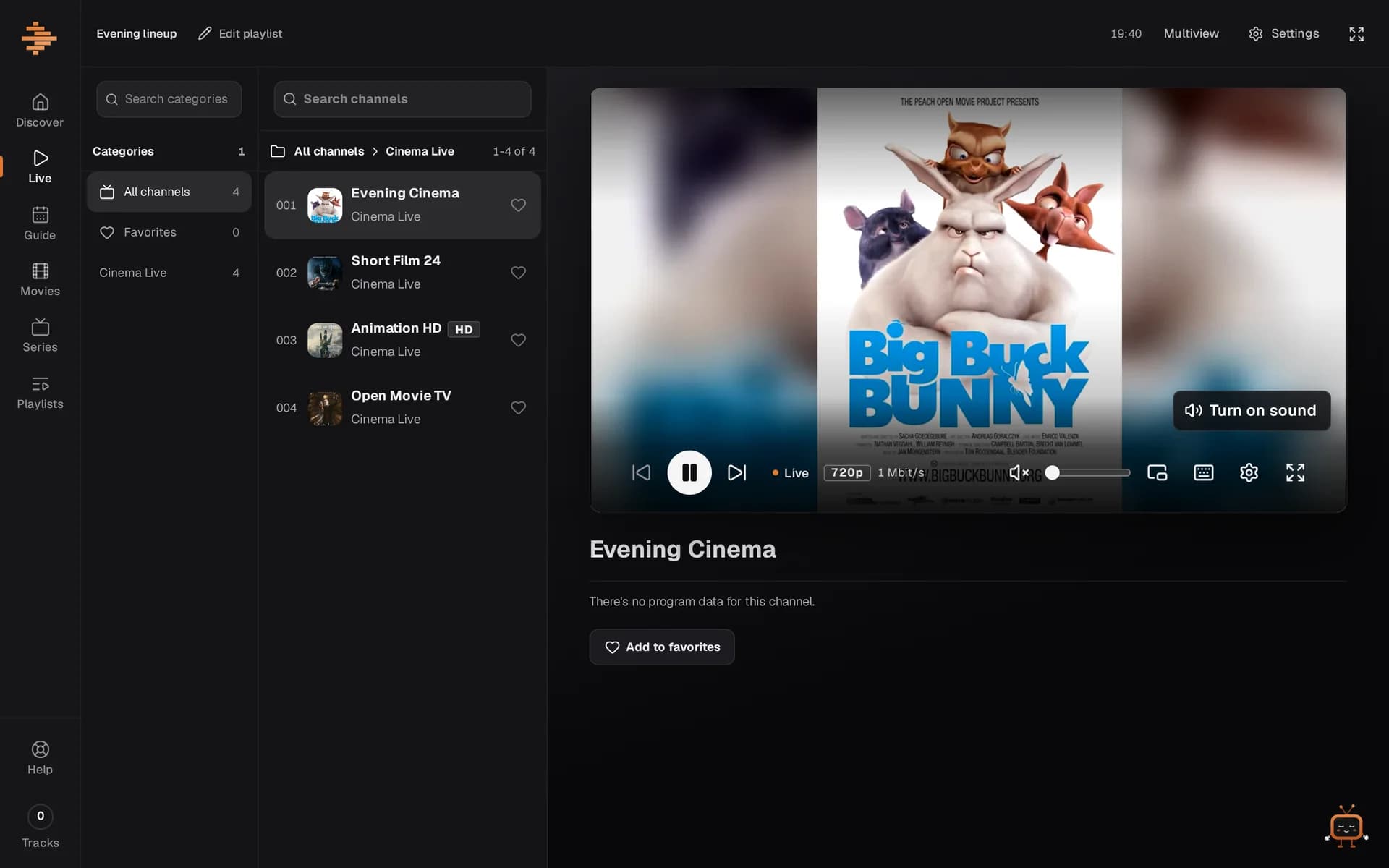
Live TV in Streamline: channel list and a playing stream

What Streamline does

You bring your playlist, Streamline plays it.

  • Live TV with a TV guide

    Channels by category and language, plus the TV guide with a timeline. Use the arrow keys to switch.

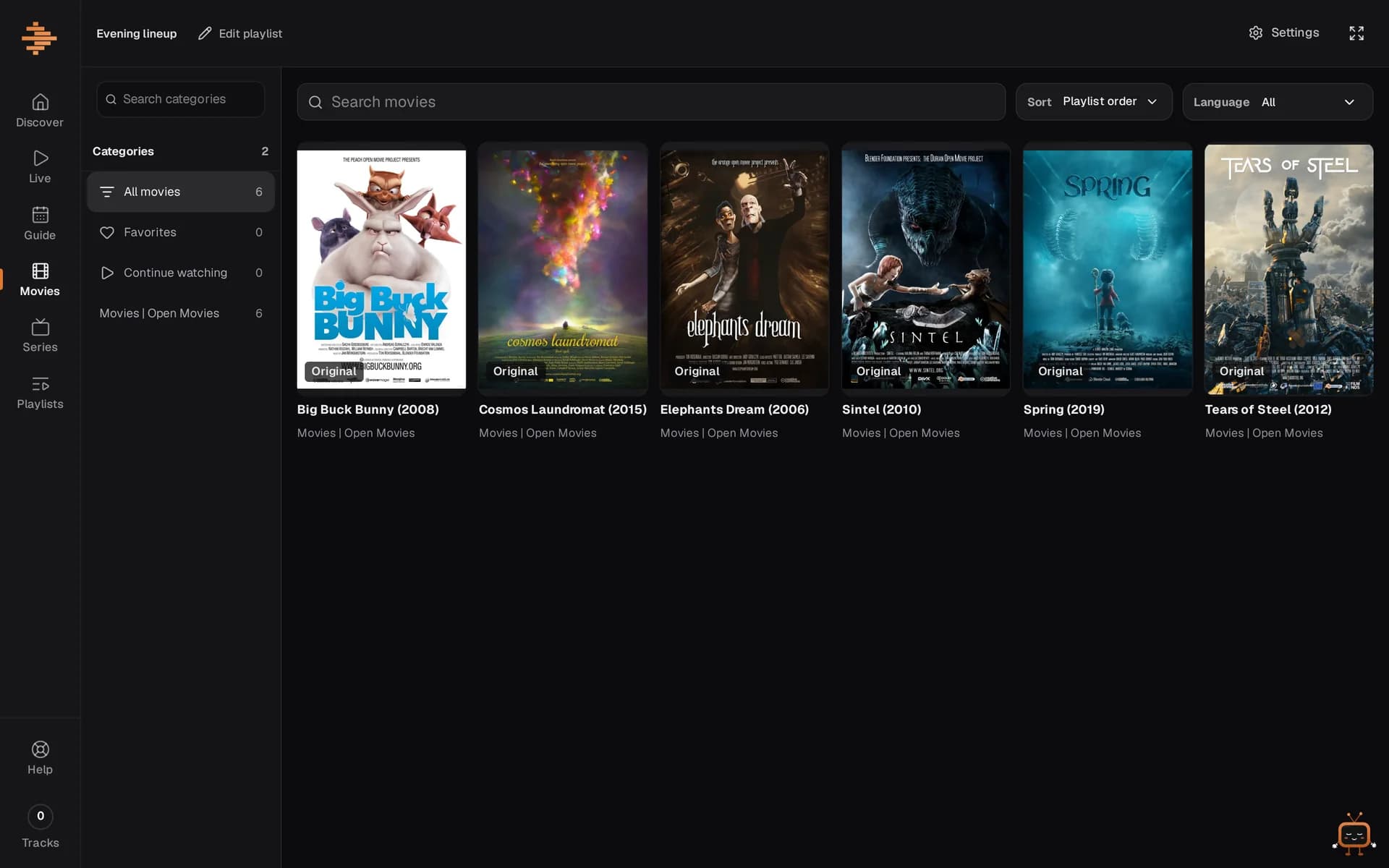
  • Movies and series

    Streamline sorts covers, seasons and language versions automatically.

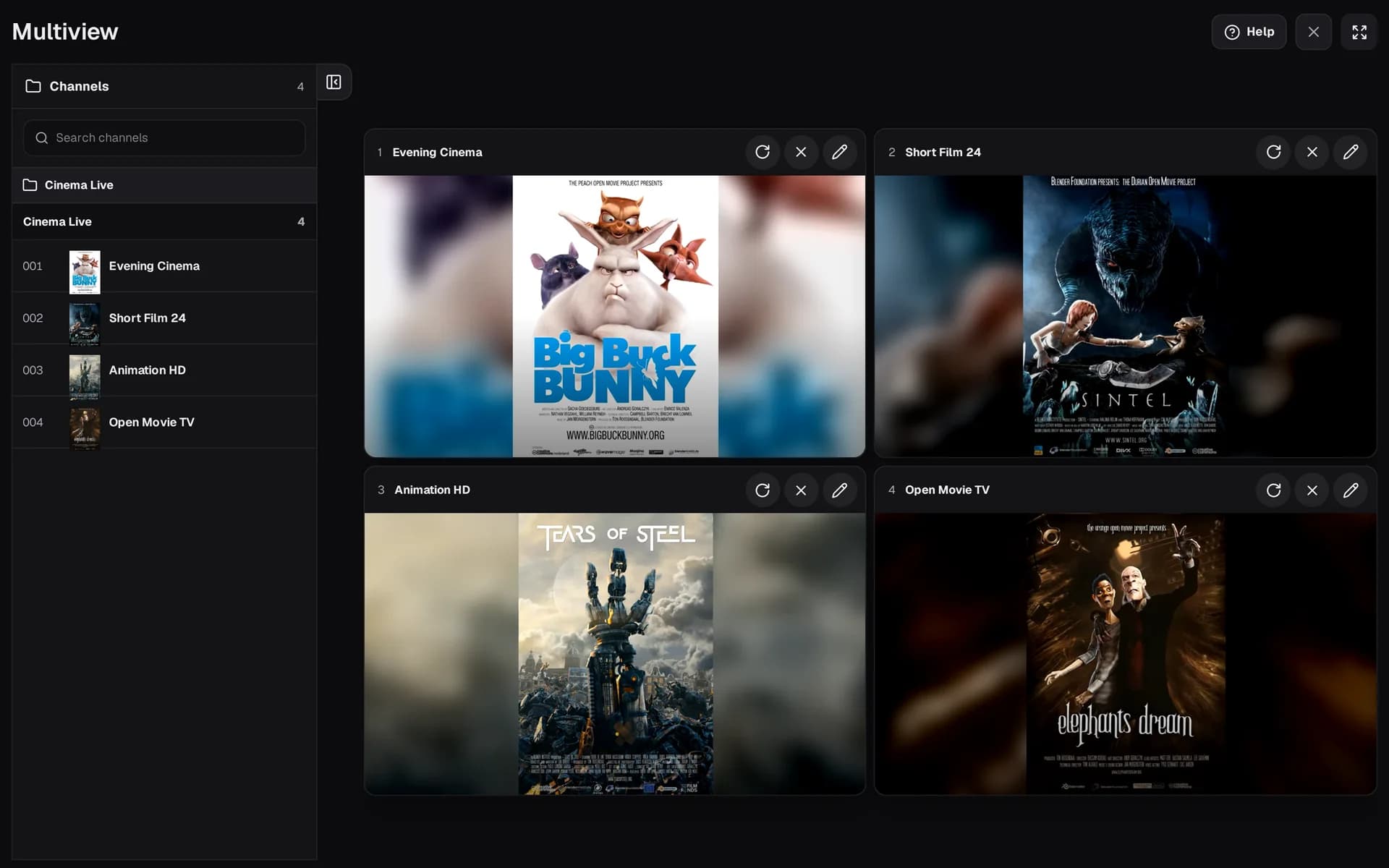
  • Multiview

    Up to four streams at once, with audio per tile. Drag and drop the tiles to arrange them.

  • Audio tracks and subtitles

    You pick the language and subtitles, including for MKV. Streamline converts audio the browser can't play.

  • Favorites and resume

    Keep your favorite channels close and pick movies up where you left off.

  • Big playlists too

    M3U via link or file, Xtream Codes with three fields. Very large catalogs still run smoothly.

  • Runs reliably

    Live streams play as one continuous stream, and the player bridges short network dropouts.

  • Nothing to install

    Streamline runs in the browser on your PC, laptop and tablet, all with the same account.

Streamline does not provide any content, channels or playlists. You only use your own, lawfully obtained sources.

One subscription with every feature

There are no hidden tiers and no ads. You pay monthly or yearly.

€1.99 a month incl. VAT, cancel any month. Check your provider free first.

Test first: does your provider work?

Some IPTV providers block web players. Paste your M3U or Xtream link (usually in your provider's email) and we'll check it for free. The link isn't stored.

Streamline subscription

€1.99/ month
Cancel monthly · VAT included
  • Live TV with TV guide, movies and series
  • Multiview with up to 4 channels, continue watching
  • Your playlists in your account, on all your devices
  • Support tickets right from the app
Get started

Create an account first, then pay.

Your data belongs to you

Your playlist credentials are stored encrypted and used only for playback. You can check this yourself in the Security Center.

  • Stored encrypted

    Playlists and credentials are stored encrypted, passwords never in plain text.

  • Passkeys and two-factor

    Phishing-resistant sign-in; admin access only with 2FA.

  • Hosted in the EU

    Server location Germany (EU), encrypted daily backups.

  • Tracking only with consent

    No ads, no third-party analytics services. Enhanced statistics only if you agree.

Frequently asked questions

Do I get channels, movies or series with Streamline?

No. Streamline is a player: you add your own, lawfully obtained sources (M3U playlist, Xtream login or file), and Streamline plays them. We do not provide any content, channels or playlists, and we do not sell access.

Which playlists work?

M3U and M3U8 playlists via link or file, plus Xtream Codes logins (server, username, password). Program data (EPG/XMLTV) is matched automatically if your source provides it. Streamline plays HLS, MPEG-TS and DASH; MKV files are converted by the server while playing, with nothing to install.

Does my IPTV provider work with Streamline?

Usually yes. Some providers, however, block web players that load through a server. Streamline then loads directly over your own internet connection.

Such providers often only offer unencrypted http. So you allow “Insecure content” for Streamline in your browser once, and Streamline shows you the steps. The permission only applies to Streamline and to those streams; your sign-in stays encrypted.

This works on a computer (Windows or Mac) with Chrome or Microsoft Edge. Firefox removed this setting in version 139, and phones and tablets (Android, iPhone, iPad) as well as Safari don’t offer it.

The free provider test shows you before you buy whether your provider is affected.

Is there a free trial?
No. But you can test your provider for free, without an account, before you buy. Then you choose monthly or yearly and cancel any time, effective at the end of the paid period, online and without a phone call, even without signing in.
How do I cancel?
In the app under Settings → Subscription & payment, or without signing in via “Cancel contracts here”. Without signing in, you confirm the cancellation via a link sent to your account’s email address. You can keep watching until the end of the paid period.

How to get started

Check first, then pay. All you need is the link or Xtream login from your provider.

Test your provider for free
  1. Test your provider
  2. Choose a plan
  3. Add a playlist